Goal Setting
Leave complex tasks running without watching every step — let AI keep working toward the goal.
With Wejot’s Goal Setting, you only need to clearly state what you want to achieve. AI will break the goal into tasks, call the right capabilities, and keep executing across turns. It pauses when it needs your judgment or confirmation, and checks whether the goal is truly complete before finishing.
Why Goal Setting exists
Creating a 20-question survey is not hard for AI. The hard part is whether it can still remember the first branching condition by the end, once the survey contains 20 logic branches. Once logic starts stacking, adding one follow-up can break an existing jump, and fixing one branch can leave another broken.

A lot of research and content work doesn’t end when a block of text is generated. It usually goes through a full cycle: understand the need, break it into steps, execute, revise, and check delivery.
For example:
- Design a complete survey from scratch — with research objectives, question logic, and readiness for distribution;
- Extract pain points, user segments, and product opportunities from open-ended responses, interview transcripts, or user feedback;
- Review an existing survey for question wording, option completeness, logic branches, and analysis dimensions;
- Work through an entire research objective: clarify the plan, generate the survey, and recommend sample distribution and result analysis.
These tasks often run into problems in ordinary chat:
- Long task flow: AI needs multiple tool calls and material passes; a single reply can’t cover the whole process;
- Need for confirmation: Key information such as research target, sample scope, and question volume should not be guessed by AI;
- Easy to interrupt: Page refreshes, network issues, resource limits, or model failures can break execution;
- Context drift: As the conversation grows, AI may focus on the latest message and forget the original delivery requirement;
- Unclear completion criteria: Output does not equal completion — you still need to confirm whether the content covers the goal and is ready to deliver.
Goal Setting solves exactly this: the problem of complex tasks that cannot keep moving forward and be properly validated. It turns a one-off chat into a workflow with a goal, state, process control, and completion checks.
What Goal Setting solves
Not “keep going,” but keep completing the goal
A lot of research work requires understanding the goal, breaking it into tasks, calling tools, revising content, and checking results. Goal Setting saves the goal within the current session. As long as the goal is still active, AI can push forward to the next turn without you repeatedly typing “continue” or “go on.”
It is well suited for:
- Creating complex surveys from scratch: clarify research objectives, generate survey structure, add branching logic, and check whether it can be published or distributed;
- Continuously optimizing existing projects: keep revising question wording, option completeness, mobile experience, and analysis dimensions;
- Analyzing materials and producing reports: process open-ended responses, interview transcripts, user feedback, or VOC text into deliverable analysis reports;
- Pushing a research objective through end to end: clarify the goal first, then generate the survey, and finally recommend sample distribution and result analysis.
Goal Setting cares less about “what did AI say this turn” and more about “is the final delivery complete.” As long as the goal is not finished, AI will connect later work to earlier requirements.
Long tasks no longer have only “running” and “stopped”
Complex tasks are not always best executed in one shot. Goal Setting shows the goal status and execution time in the session, so you know what AI is doing, why it paused, and who needs to act next.
Common statuses include:
- In progress: AI is continuously pushing the goal forward;
- Paused: you paused the task and can resume later;
- Awaiting response: AI needs you to add information or confirm a key choice;
- Blocked: the task cannot continue because of external conditions or missing required materials;
- Completed: the goal has passed review and the task is formally closed.
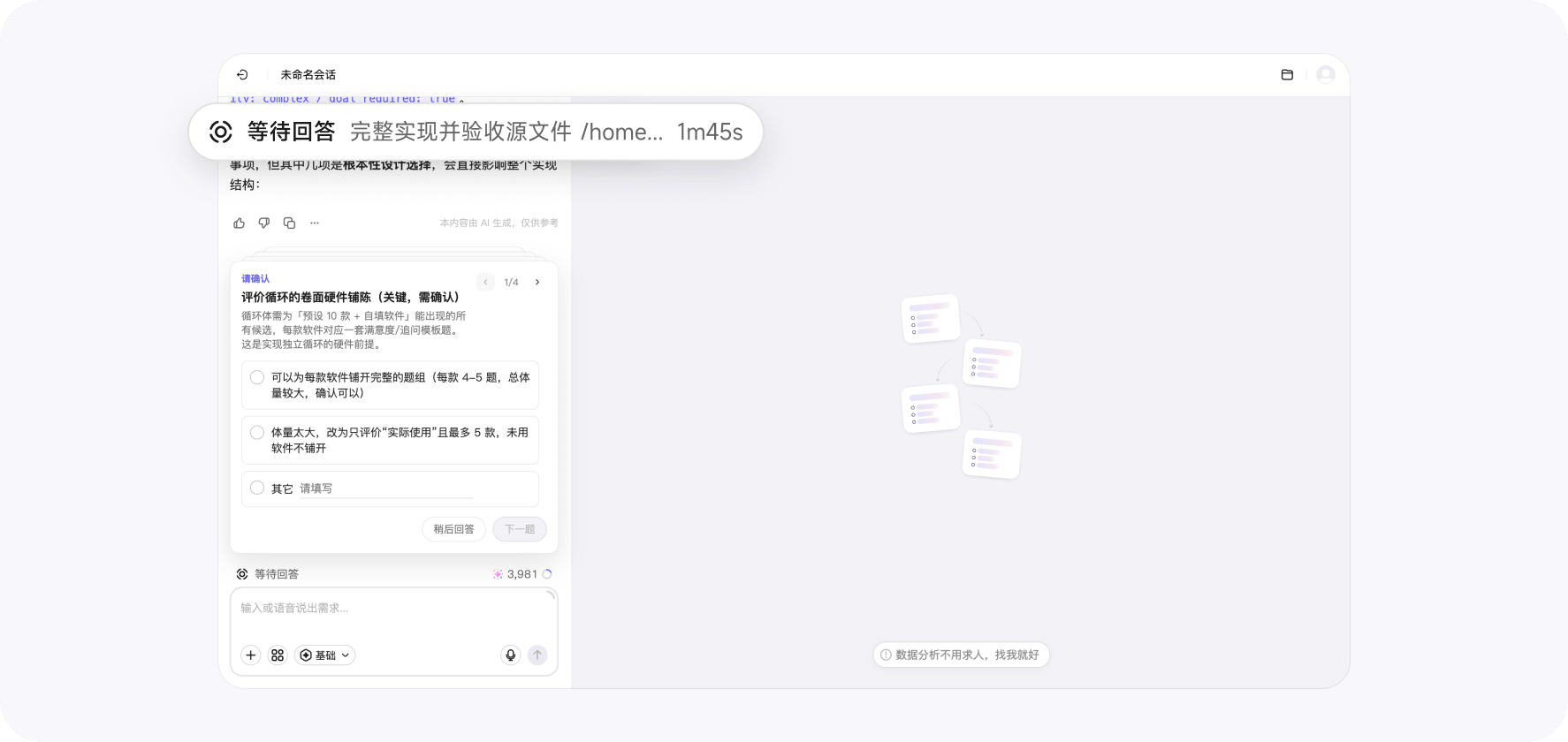
During execution, you can pause, resume, edit, or delete the goal. If the goal description is inaccurate, you can edit it directly. If the goal is no longer needed, you can delete it without affecting the conversation content already generated.
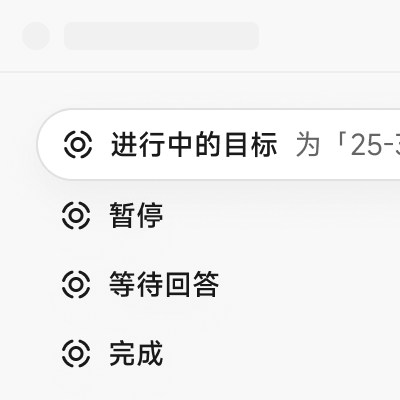
When AI encounters unclear research targets, two equally valid options, trade-offs in question count, or sample conditions that need confirmation, it enters the Awaiting response status. It only continues after you confirm. This reduces the need to babysit the task while preventing AI from guessing on key decisions.

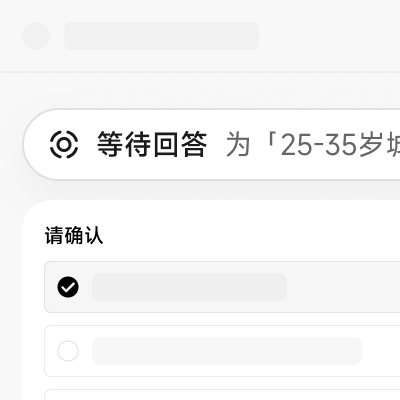
Whether the goal is complete gets checked seriously
The end point of Goal Setting is not “AI replied with a paragraph.” It is whether the goal has actually been achieved. The system reads relevant materials around the goal, checks key content, and records the review result.
If key conditions are not met, AI keeps processing. If the goal meets the requirements, the task is marked complete. If external conditions prevent progress, it enters the Blocked status until the issue is resolved.
Goal Setting also supports adding acceptance criteria to the goal, such as:
- Does the survey cover the research objective;
- Are logic branches complete, and can jumps return to the correct path;
- Does the question count meet requirements;
- Have results been organized into a deliverable report;
- Have items the user asked not to change been preserved.
What makes up a Goal Setting session
Goal description
The goal description is the core of Goal Setting. It should state what you want AI to ultimately complete, not just a single action.
- Not clear enough:
Help me revise the survey - Better for Goal Setting:
Review this new product concept test survey, optimize question order, option completeness, and logic branches, and make sure it can be used for sample distribution
The clearer the goal, the easier it is for AI to decide what to do next and to check at the end whether it is complete.
Auto-resume
When one AI execution turn ends, if the goal is still in progress, the system starts the next turn automatically. Before resuming, it confirms the goal status again to avoid accidentally restarting goals that are paused, awaiting response, or already completed.
So a complex task can naturally split into multiple turns: one turn to generate structure, one to add details, one to check logic, and one to organize results — without you manually pushing each step.
User confirmation
Goal Setting does not let AI decide everything on its own. When the task needs your preference, authority, or business judgment, AI stops to ask and waits for your confirmation before continuing.
This matters especially for research targets, sample scope, question limits, content trade-offs, and delivery formats.
Goal review
Goal review decides “is it done now?” It reads materials around the goal, checks key content, and writes the result back into the Goal Setting status.
If complete, the task ends. If key conditions are not met, AI keeps processing. If external conditions prevent completion, it enters the Blocked status.
How to write a better goal
An executable goal usually has three parts:
- Final output: whether you want a survey, analysis conclusion, report, revised page, or complete plan;
- Quality standards: for example, complete question logic, ready for sample distribution, traceable conclusions, or clear content grouping;
- Boundary conditions: such as limiting question count, focusing on a user group, using certain question types, or not changing existing content.
For example, instead of simply asking “help me make a survey,” you could describe it like this:
Help me design a survey to find out which office collaboration software users know. First list 10 software options and let users add their own; then ask users to rate satisfaction for each one they know; for any software they are not satisfied with, follow up and ask why.
This goal includes the final output, execution steps, and follow-up conditions, making it easier to keep executing and easier to judge completion.
Not recommended:
Make a survey about office collaboration software.
That can still start a task, but AI has too much to guess, so it is more likely to keep asking follow-up questions or drift from the real need.
How Goal Setting fits into the Wejot workflow
Wejot’s AI capabilities can work together through conversation to complete a research project, and Goal Setting ties the final result together:
- Smart survey generation: generate survey structure from research objectives, support any question type, logic, and appearance, and keep checking whether content is complete;
- Precise distribution: after the survey is ready, continue organizing an execution plan around target audience, sample conditions, and distribution requirements;
- Conversational data insights: analyze collected data, open-ended responses, and interview materials through conversation to complete summarization, comparison, and report organization.
Goal Setting does not limit you to one stage. It is better at connecting multiple stages, letting AI move from “generate a result” to “complete a full job.”
Who can see Goal Setting
Goal Setting is currently more of an advanced AI workflow capability and may not be shown to all regular users directly. Whether you see the entry depends on your account, environment, version, and feature flags.
If you do not see a Goal Setting entry in the interface, it usually means the capability is not yet open for your account. This does not affect normal survey creation, AI chat, Clarify, AI Helpers, or other features.
Goal Setting is not just an extra button for AI. It gives AI in Wejot the ability to “keep working toward a goal”: knowing what to complete, when to continue, when to wait for the user, and finally checking whether the goal is truly complete.
How it relates to other capabilities
Goal Setting does not replace Wejot’s other AI capabilities. It acts more like a layer of “long-term goal management”:
- Pairs with Clarify: first turn fuzzy ideas into clear research objectives, then hand them to Goal Setting for continuous execution;
- Pairs with AI Helpers: when the task needs parallel analysis or role-based processing, AI Helpers divide and execute, while Goal Setting guards the final delivery;
- Pairs with AI Interview: generate interview outlines, check follow-up strategies, and organize interview materials around interview research objectives;
- Pairs with Skills Management: Skills determine which capabilities AI can call, while Goal Setting determines what result those capabilities should keep working toward.
In short, other capabilities are more about “how,” while Goal Setting focuses on “what to complete, and when it counts as done.”