AI Interview
An interview is not about reading out questions. It is about continuing until you reach the real reason behind an answer.
AI Interview is Wejot’s end-to-end product flow for deep research: you start with an interview outline, let participants complete the session through voice, video, or text, and then review the captured media, transcript, question clips, total duration, and exported materials.
It is not just a chat-style survey. It turns the AI into the interviewer: follow the outline, probe when needed, record the process, and bring the results back to the stats page.
Why AI Interview exists
Traditional surveys are good at collecting structured answers, but many research questions still need a real “why”:
- A user says they “don’t like it”, but the reason may be price, context, trust, or alternatives.
- A rating is not enough; the researcher still needs to know which specific experience the person had in mind.
- Product, packaging, device, desk, or environment descriptions often cannot be captured well with simple options.
- Different human interviewers do not always probe with the same depth or tone.
- After the interview, recording review, transcription, clip extraction, and reporting take another round of work.
AI Interview shifts the repeatable execution work to the system and leaves the researcher with research design, judgment, and decisions.

What one AI Interview includes
Interview outline
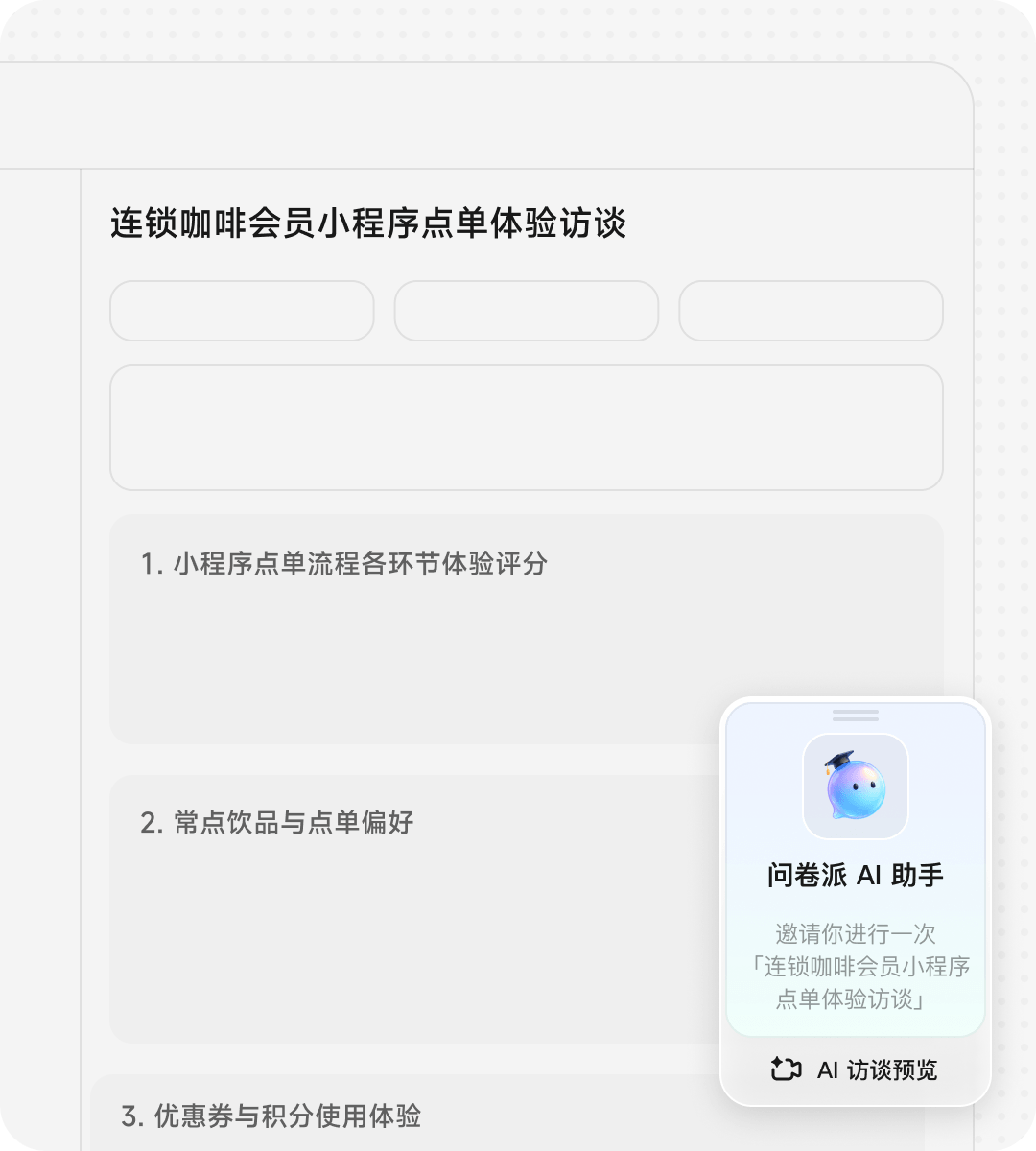
When you create an AI Interview, you define the title, research background, instructions, opening, closing, estimated duration, and question structure. These settings shape how the AI interviewer opens, probes, and closes the session.
You can also update the brand information, including the brand name and brand logo. They appear on the interview invitation and entry screens, so participants see a consistent brand presence before the session starts and the interview feels like part of the same product experience.
Interview modes and recording settings
AI Interview supports two main experiences:
- Live call mode: closer to a phone or voice call, better for natural, conversational deep interviews.
- Turn-based chat mode: closer to a chat flow, with push-to-talk or keyboard input, better for lighter and more controlled sessions.
The creator controls which modes are available, and participants can only enter the modes that are opened for them.
You can also run the interview as audio-only or enable video. Video adds camera permission, face detection, a picture-in-picture window, and visual recording. Audio-only keeps the flow focused on microphone input.
If keyboard input is allowed, participants can type additional answers. If it is disabled, the flow stays centered on spoken responses.
Language
AI Interview supports multiple languages. The language you choose during setup does more than change the UI copy. It also affects the opening, prompts, consent text, button labels, ASR hints, and fallback wording.
That means the same interview framework can be reused across regions while keeping the outline and probing logic consistent. For cross-region research, language settings reduce duplicate setup work and lower the chance that participants get stuck on the very first screen.
Questions and follow-up
AI Interview supports both open-ended prompts and structured question cards, including single choice, multiple choice, rating, matrix rating, and file upload.
Open-ended and interactive questions are followed up by the AI. Standard question cards appear directly in the answer flow so participants can tap or fill them in. That keeps the interview natural while still collecting comparable data at key points.
Follow-up depth can be configured per question: no follow-up, one round, two to three rounds, open-ended probing, or logic-based follow-up. For example, if a user mentions budget, the AI can ask for a price range; if they mention concern, it can ask for the reason and alternatives.
What participants see
When participants open the interview link, they first see the invitation and the required explanation. Before the session starts, the system runs through a few steps:
- Consent: explain what audio or video will be collected and analyzed.
- Microphone and environment check: ask the participant to read a sentence at normal volume and confirm recognition quality.
- Camera check: for video interviews, ask the participant to keep their face and upper body centered and the lighting clear.
- Start the interview: the AI interviewer follows the outline, and participants can speak, type, answer cards, or end the session when needed.
During the interview, the AI keeps the flow moving by combining question progression, card rendering, answer capture, and final submission. In video interviews, the system can also preserve visual context for packaging, device, desk, or scene observation tasks.
What researchers get back
When the interview ends, the result is more than a single “completed” response. On the stats side, researchers can review:
- Valid responses: how many interviews were actually completed.
- Total AI Interview duration: aggregated across valid sessions to help assess sample quality and workload.
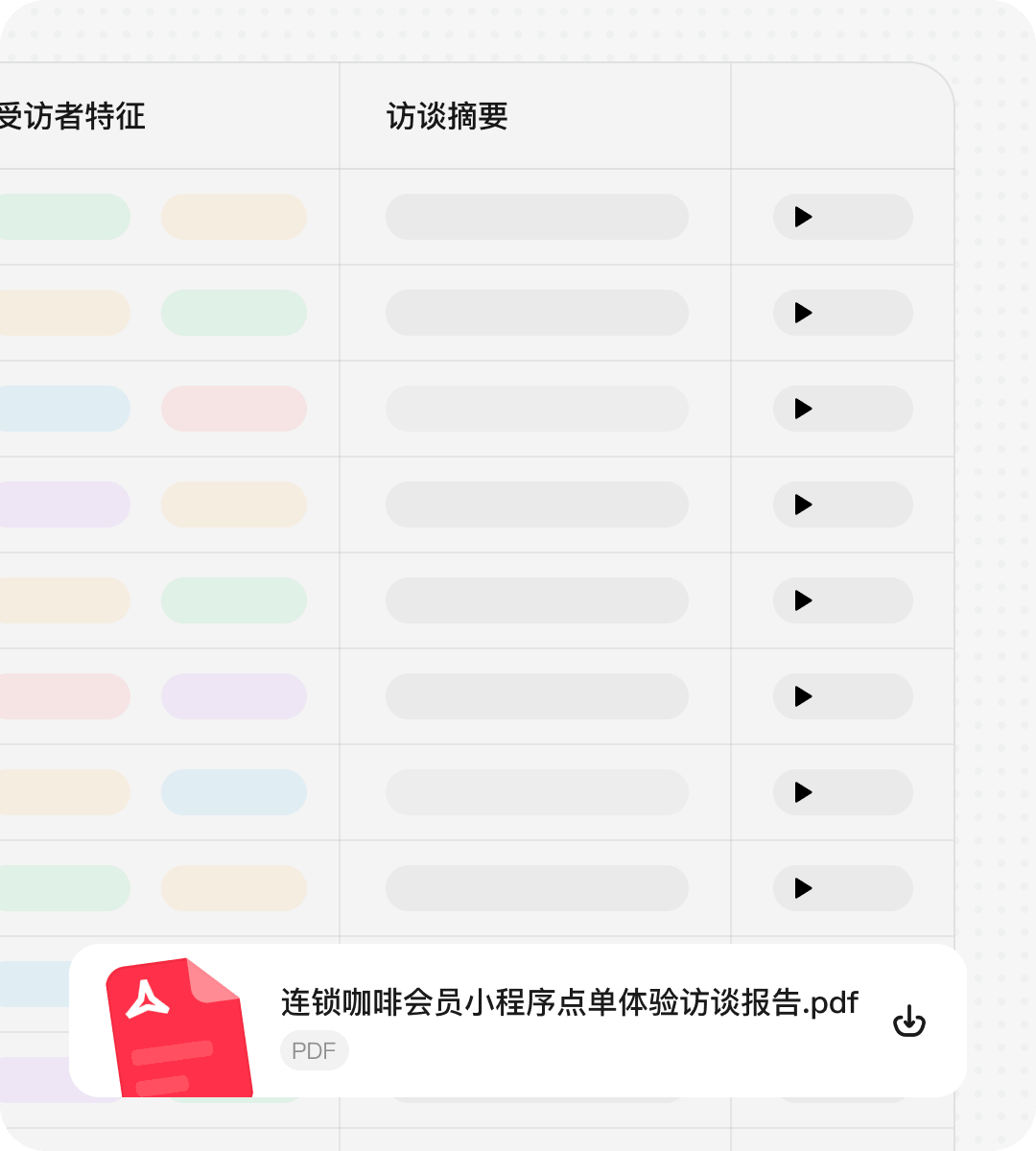
- Media recordings: return to the original interview moment instead of only reading a summary.
- Transcripts: quickly verify the participant’s exact wording for secondary analysis.
- Question clips: review media and subtitles by question or by participant.
- Export bundles: download audio/video archives and transcript files for team review or reporting.
This means AI Interview supports both fast collection and after-the-fact review. If the team disagrees on a conclusion, they can go back to the original clip instead of arguing over a cleaned-up summary.
How pricing, samples, and credits work
AI Interview usually runs in two ways.
Direct sharing
The creator shares the interview link with their own participants. Direct sharing consumes the publisher’s AI Interview time quota, and the usage is tracked separately in resource management. The key idea is that AI Interview is managed by interview duration, not by question count.
Sample library deployment
If you recruit participants through the sample library, Wejot generates a quote based on estimated duration, interview mode, sample tags, and screening conditions. The price card shows the estimated duration, base minute fee, tag fee, screening fee, and total estimate.
The AI Interview duration cost for sample library deployment is already included in the quote, so it does not deduct the publisher’s own AI Interview quota again. After completion, the system aggregates the actual duration for each valid response.
Visibility boundary: what users see and what stays internal
AI Interview produces a lot of process data, but not all of it should be exposed to ordinary users.
Creators can see the information that directly supports business decisions:
- estimated duration
- interview mode
- sample deployment quote
- valid response count
- total AI Interview duration
- media and transcript assets
- completion status
Participants only see what they need to understand and act on, such as submission progress, completion status, and reward progress.
Internal quality scores, quality reasons, reward review details, reward breakdowns, and backend notes stay in the backend or operations domain and are not shown as visible fields on the standard stats page.
When to use it
AI Interview is a good fit when you need to ask questions and then keep probing:
- Needs discovery: follow a user complaint until you reach the real blocker.
- Feature testing: understand how users interpret a concept, decide value, and choose whether to use it.
- Churn review: probe the motivation, trigger, and alternatives behind a specific experience.
- Purchase decision research: reconstruct the path from awareness to comparison, hesitation, purchase, or drop-off.
- Packaging, device, and scene observation: let participants show the real object or environment on video.
- Multi-region research: use multi-language interviews to reduce coordination cost and keep the outline and probing consistent.
If your research only needs single-choice, rating, or short text answers, a regular survey is usually simpler. If you need to hear the participant explain what happened, show the scene, and review the original material later, AI Interview is the better fit.
How to use AI Interview in Wejot
If this is your first time using AI Interview, you can complete the whole flow in this order.
1. Start from natural language
In Wejot’s AI chat, describe your research goal directly:
- “Help me design a voice AI interview to understand why users who test-drove an EV still have not bought it.”
- “Help me design a video AI interview where participants show the bottle of a drink they recently bought and explain the purchase context and packaging experience.”
- “Help me interview new users about their mobile ordering experience, start with an overall rating, then probe the specific reasons they gave up.”
AI will turn the goal into an interview outline with the title, background, core questions, follow-up direction, and estimated duration. You can ask it to refine the outline first, or edit it directly.

2. Review the outline and key settings
In the AI Interview editor, focus on these settings:
- Title and background: participants understand what this interview is about, and AI uses it to frame the context.
- Opening and closing: determine whether the interview starts and ends naturally.
- Estimated duration: shapes participant expectations and is also used for time quota and sample pricing.
- Interview mode: choose live call, turn-based chat, or both.
- Recording mode: choose audio if you only need speech; choose video when you need packaging, devices, expressions, or the environment.
- Keyboard input: disable it if you want spoken answers only; enable it if you want participants to add longer text.
- Follow-up strategy: set one round, two to three rounds, or logic-based probing for key questions so you do not only get surface-level answers.
If you need structured data for later comparison, add single choice, multiple choice, rating, matrix rating, or upload items at the key points in the interview.
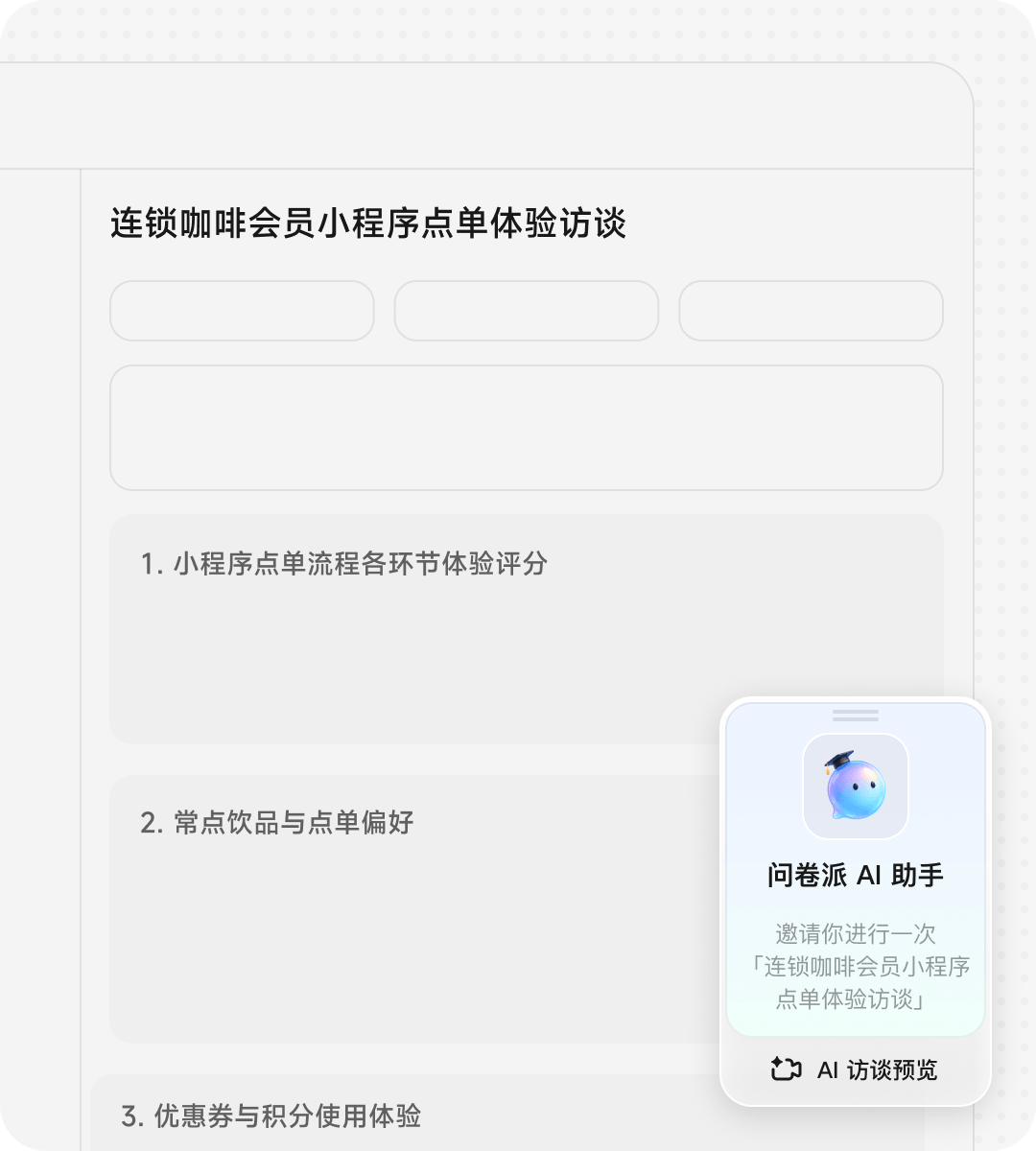
3. Preview before publishing
Before you publish, run through the session yourself:
- Check whether the opening sounds natural and the estimated duration is clear.
- Test whether microphone or camera permissions feel smooth.
- See whether the AI follows the outline you defined.
- Confirm that the key questions actually probe for the reason.
- Verify that the closing message, submission state, and result page look right.
If the follow-up is too shallow, add more guidance to the outline. If the interview feels too long, reduce the number of questions or the follow-up depth. If participants need to show something in the scene, switch to video.
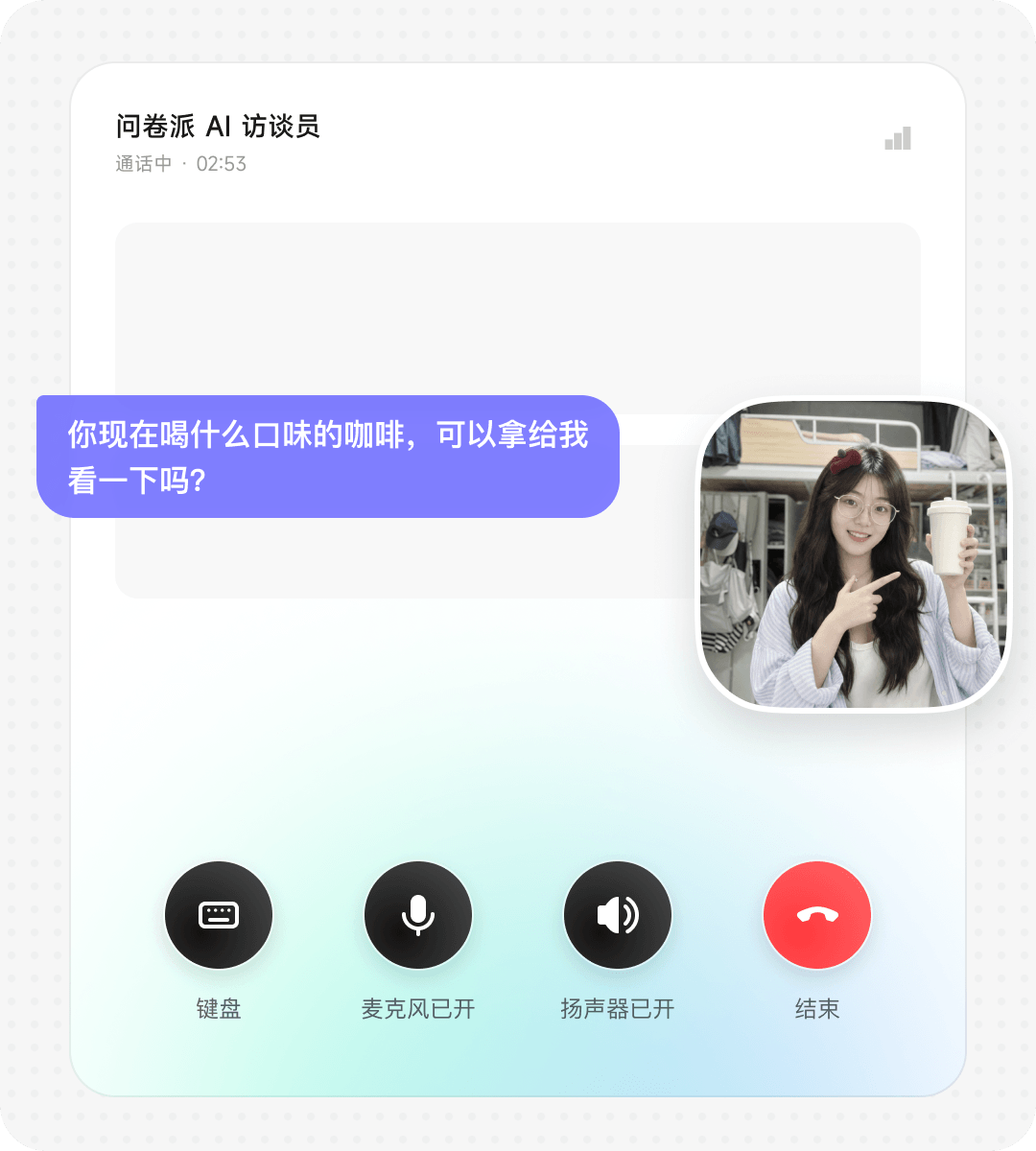
4. Share it with your own participants
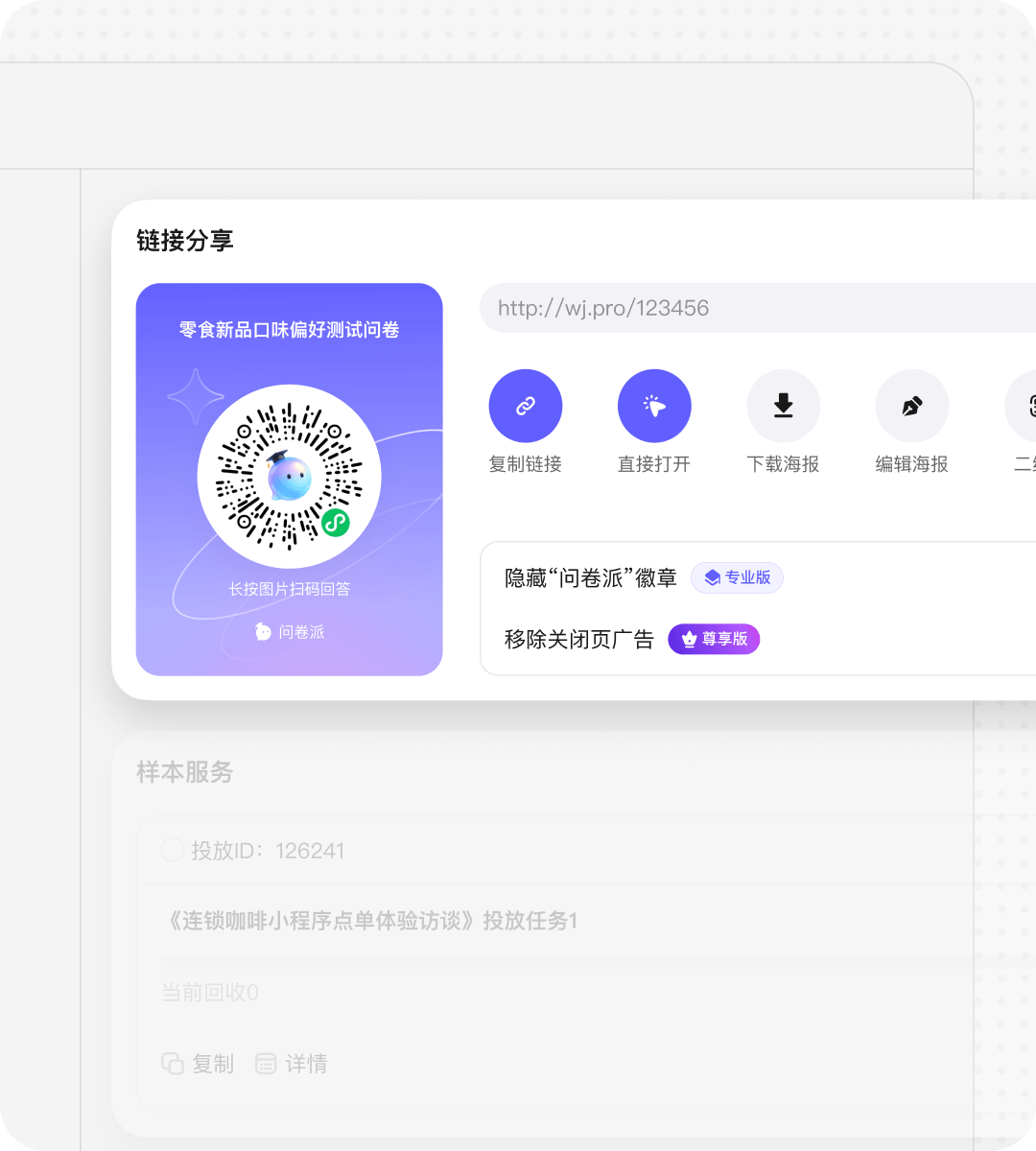
Direct sharing works best when you already have participants in mind. You can copy the link, generate a QR code, or create a poster, then share it through chat, email, or a community channel.
If the account has not enabled AI Interview yet, the share entry will prompt for activation. Once enabled, completed interviews consume the publisher’s AI Interview time quota.
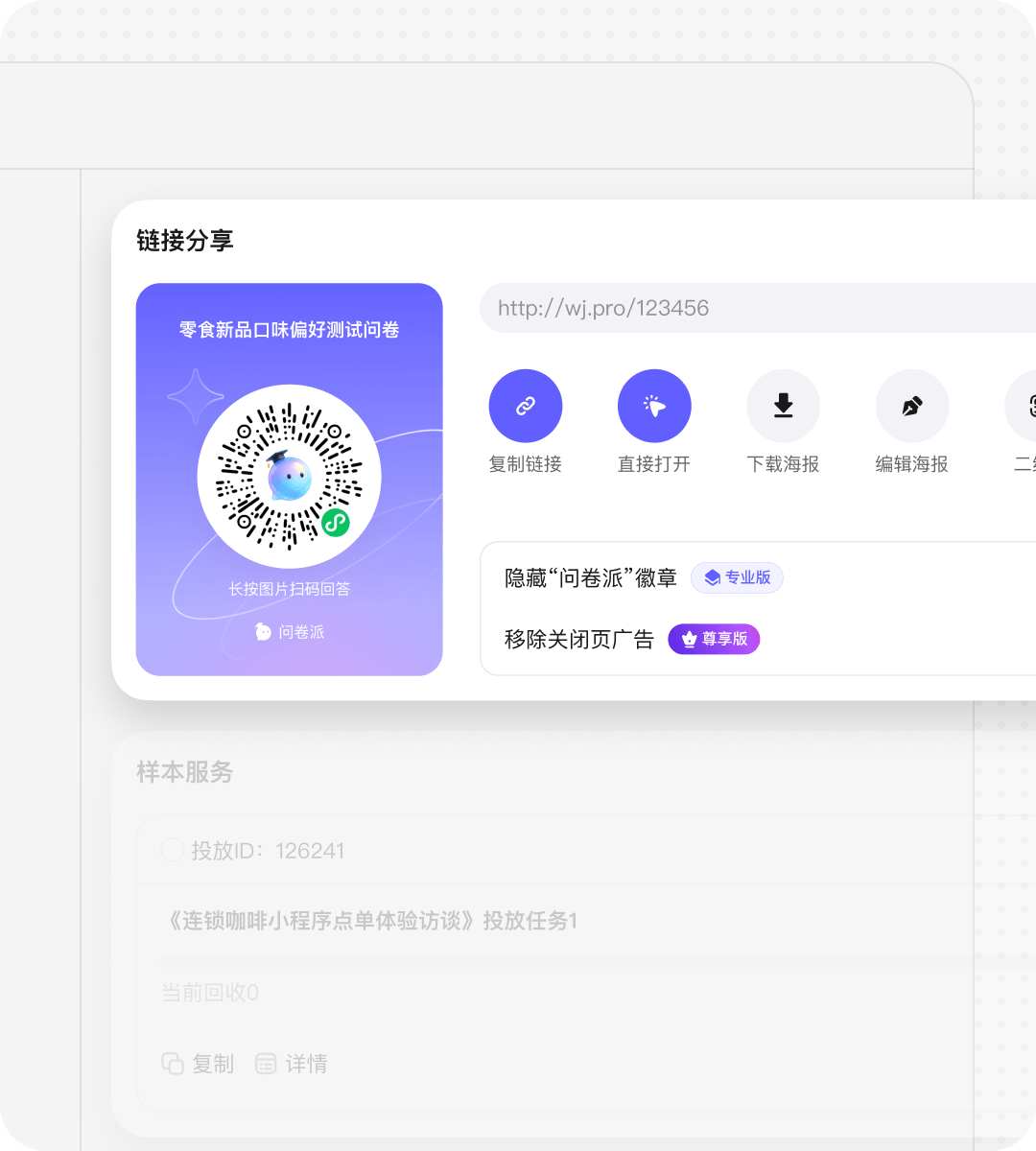
5. Use the sample library when you need external recruits
If you do not have your own participants, or you want to recruit by tags, use sample library deployment. Pay attention to:
- sample count
- sample tags and screening conditions
- whether the interview is audio or video
- estimated duration
- minute fee, tag fee, screening fee, and total estimate in the price card
The sample library quote already includes the AI Interview duration cost, so this path is priced as a sample task and does not deduct the publisher’s own AI Interview quota again.
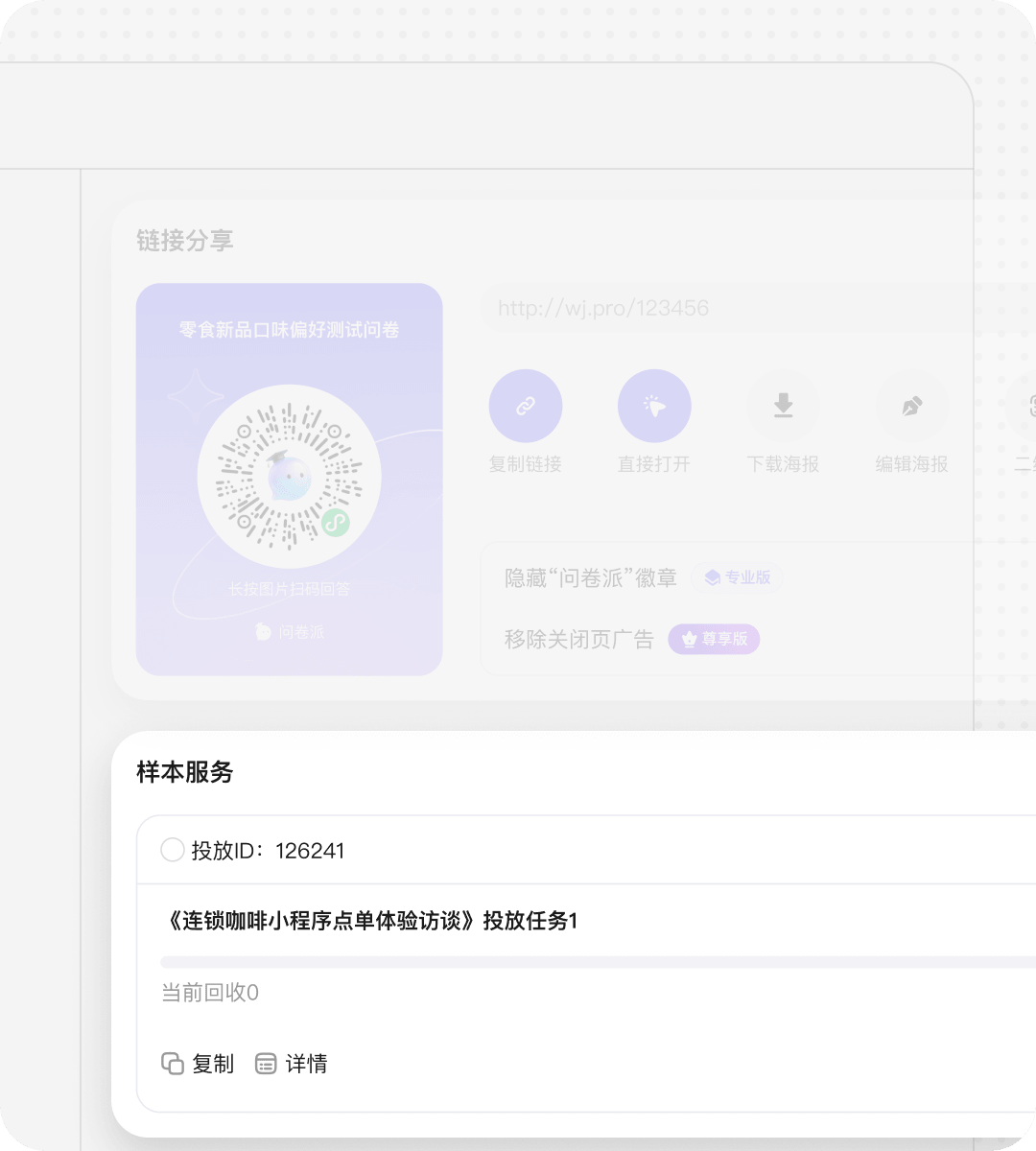
6. Review the results in the stats page
After collection, open the stats page and:
- check valid responses and total AI Interview duration to understand the overall scale
- open a single response to return to the original media
- review clips and subtitles by question or by participant to locate key answers
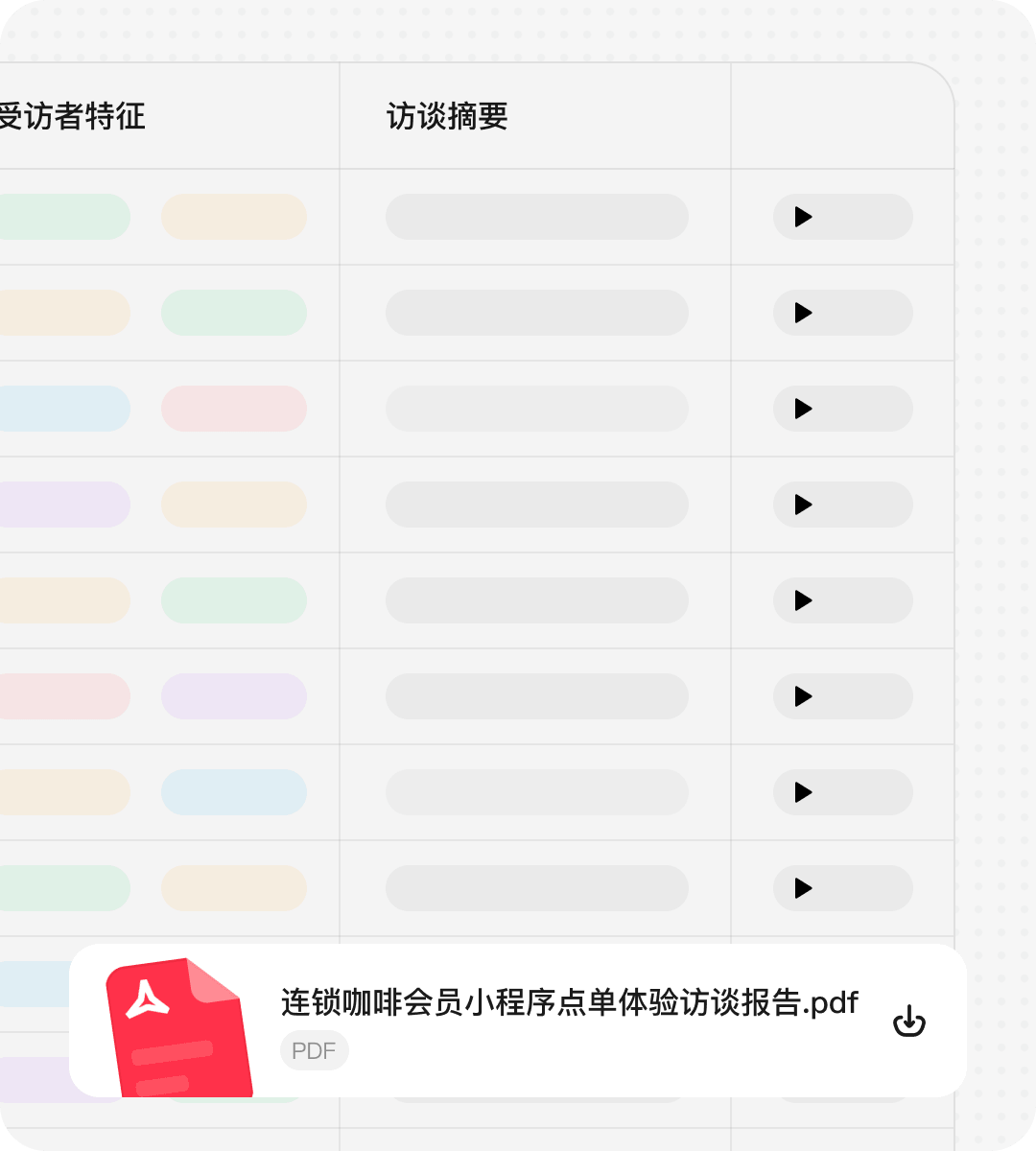
- download media bundles and transcripts when you need to archive or review the project
- pass transcripts and assets back into AI if you want to build a report
A few practical tips
- Make the research goal concrete first: do not just say “interview user experience”; say who, in what context, what you want to validate, and what you want the follow-up to focus on.
- Use video with intent: video only adds value when you need to see packaging, devices, environments, expressions, or actions.
- Do not max out follow-up on every question: core questions can have two to three rounds, but background or factual questions do not need to be pushed that far.
- Use structured questions for checkpoints: ratings and single choice items work well as anchors in the middle of the interview.
- Watch participant burden during preview: if it already feels long to you, it will probably feel long to real participants too.
- Always verify conclusions against the source clip: one of AI Interview’s biggest strengths is that you can return from stats to media and transcripts, not just rely on a cleaned-up summary.
FAQ
How is AI Interview different from a regular survey?
AI Interview is better when you need to understand reasons, reconstruct experiences, observe a scene, and keep probing.
In short, surveys collect answers; AI Interview helps explain why.
When should I use a video interview?
Packaging research, device research, desk or workspace observation, and unboxing tasks are good examples.
If you only need the participant to describe an experience, voice is usually enough.
What is the difference between open-ended follow-up and a normal two-to-three-round follow-up?
| Dimension | Two-to-three-round follow-up | Open-ended follow-up |
|---|---|---|
| How it probes | Keeps probing around the current question for two to three rounds | Follows new signals that appear in the participant’s answer |
| Control level | More stable and controlled | More flexible and exploratory |
| Best for | Clear research goals and comparable responses across participants | Early exploration, needs discovery, churn investigation |
| Main risk | May miss unexpected signals outside the current question | Duration and direction need more careful preview |
If you want a steadier interview rhythm, choose one round or two to three rounds.
If you want AI to surface unexpected signals, choose open-ended follow-up, but preview the interview to check duration and boundaries.
Can AI ask too many follow-up questions and make the interview too long?
A good rule is to add multi-round follow-up only to core questions, while keeping background and factual questions lighter.
Previewing the interview yourself is the most reliable way to control participant burden.
Can participants answer by typing?
When enabled, participants can type during the interview. When disabled, the answer flow stays focused on voice input.
What can I export after the interview?
For review or archiving, you can export media bundles and transcript files.
How it relates to other capabilities
- Pairs with Clarify: first make the research question, key hypotheses, and probing direction clear, then generate the interview outline.
- Pairs with AI Helpers: after the interview, let helpers analyze transcripts and open-ended answers from different angles in parallel.
- Pairs with File Library: interview materials, transcript files, and follow-up reports can stay stored and reusable.
- Pairs with Team Collaboration: team members can review results, revisit clips, and continue analysis in the same workspace.
AI Interview is not here to replace the researcher. It productizes the repetitive parts of interviewing — hosting, recording, probing, and reviewing — so the researcher can focus on deciding which questions matter, which conclusions are trustworthy, and what to do next.